
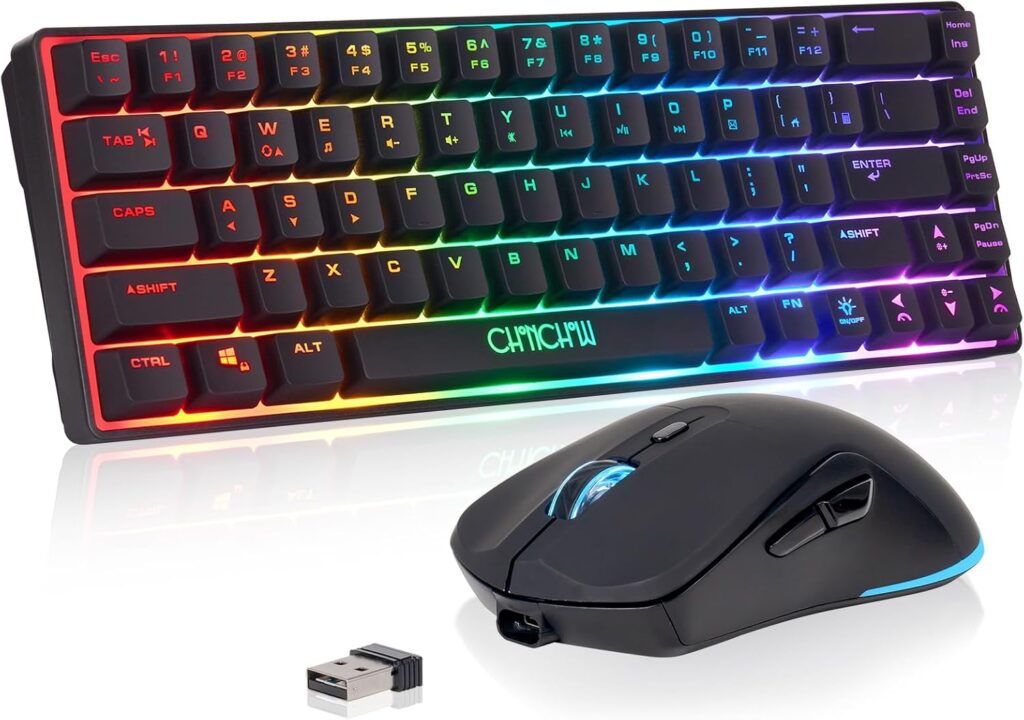
This affordable combo delivers responsive wireless gaming with long battery life and vibrant RGB effects for budget-conscious players.
Table of Contents
Why We Like the Chonchow Wireless Gaming Keyboard and Mouse
The Chonchow Wireless Gaming Keyboard and Mouse Review reveals an ideal starter package for casual gamers or anyone looking to build a clean, wire-free desk setup on a strict budget. It delivers the core essentials, a compact keyboard, a responsive mouse, and single-dongle wireless convenience, at a price point that’s hard to ignore. While it won’t challenge premium peripherals, it provides a respectable and functional gaming experience right out of the box.
Key Features of the Chonchow Wireless Gaming Keyboard and Mouse
Compact 60% Layout
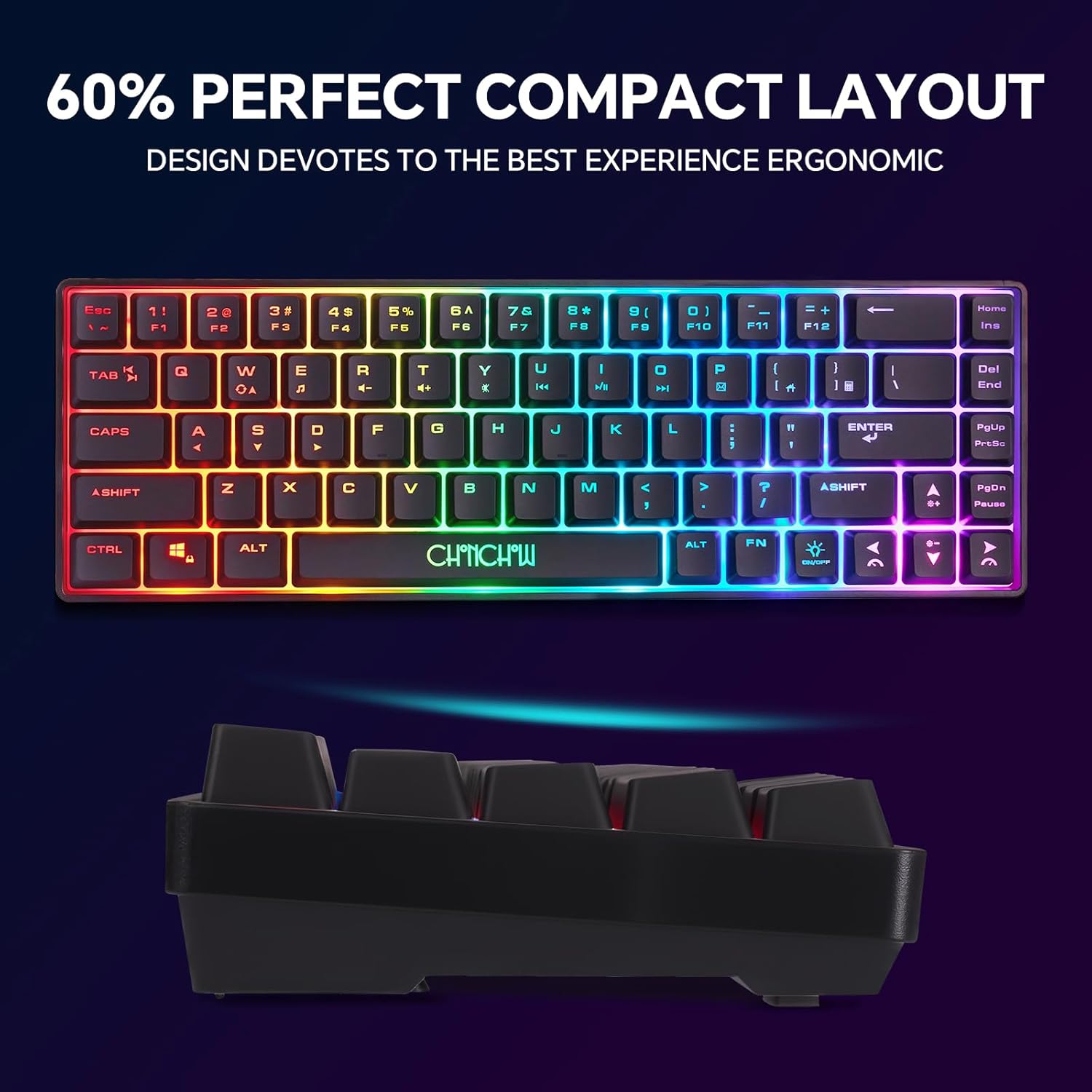
The keyboard features a 60% layout with 68 keys, which eliminates the number pad and function row to save a significant amount of desk space. This smaller footprint not only creates a cleaner look but also allows for wider, more comfortable mouse movements during intense gaming sessions.
Single-Dongle 2.4GHz Wireless
Both the keyboard and mouse connect to your PC using a single USB-A dongle, simplifying your setup and saving a precious USB port. The 2.4GHz connection provides a stable, low-latency link effective up to 10 meters, freeing you from the tangle and drag of cables during gameplay.
Rechargeable with Power-Saving
Forget hunting for AA batteries. The keyboard is equipped with a 2000mAh battery and the mouse with a 500mAh battery, both rechargeable via USB. To extend life between charges, the combo features an energy-saving sleep mode that activates after a period of inactivity, waking instantly with any keypress or mouse movement.
Adjustable RGB Backlighting
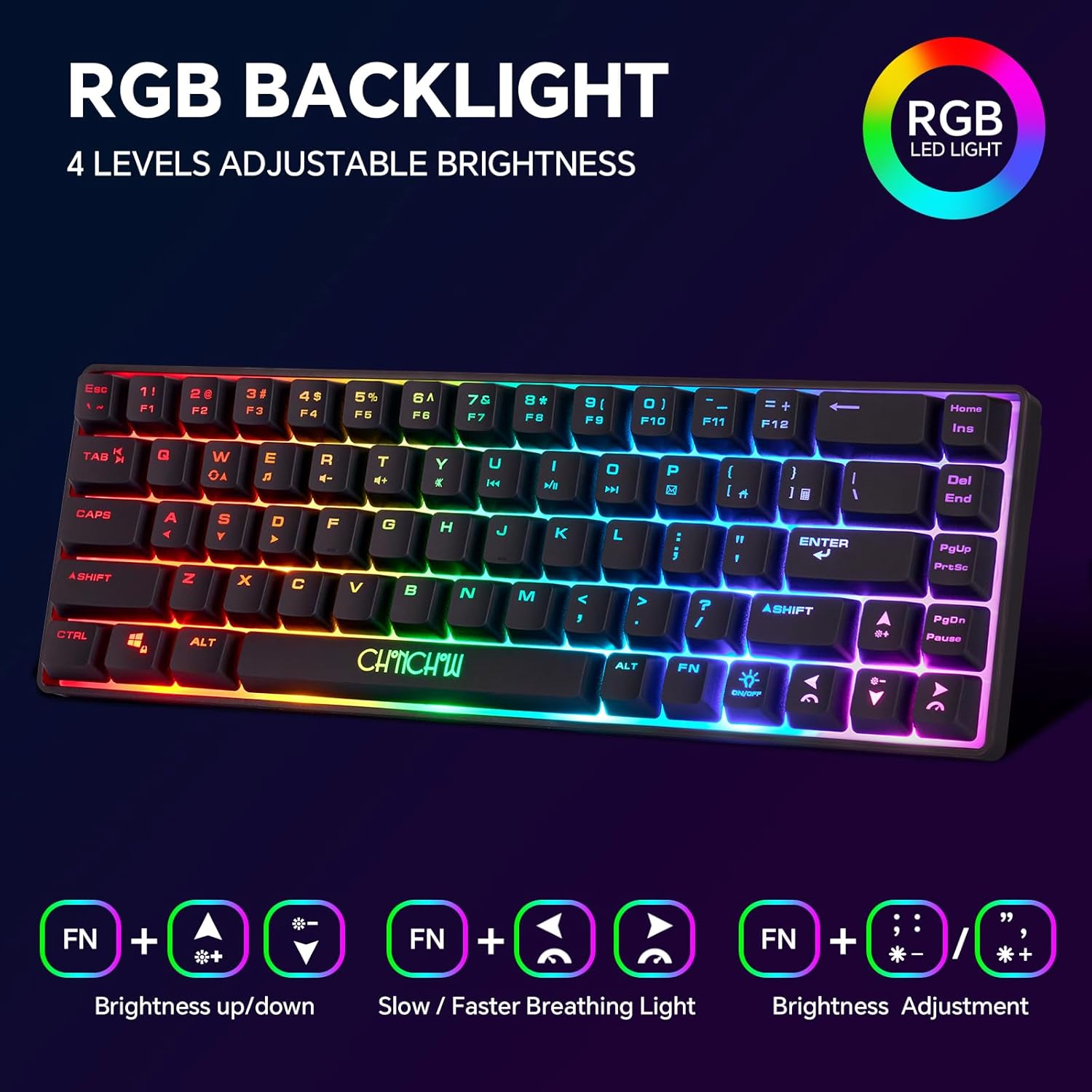
The set provides a classic gamer aesthetic with integrated lighting. The keyboard’s backlight offers four brightness levels and three breathing speed effects, while the mouse cycles through a seven-color spectrum. This allows you to customize the look of your setup and ensures visibility in low-light environments.
Broad Plug-and-Play Compatibility
This combo is designed for immediate use without needing complex drivers or software. It’s compatible with a wide range of systems, including Windows, macOS, and even consoles like the PS4 and PS5 for basic navigation and typing, making it a versatile choice for different platforms.
Specifications
| Feature | Detail |
| Layout | 60% (68-Key) |
| Connectivity | 2.4GHz Wireless (Single USB-A Dongle) |
| Keyboard Battery | 2000mAh Lithium (Rechargeable) |
| Mouse Battery | 500mAh Lithium (Rechargeable) |
| Keyboard Lighting | Rainbow Backlight (4 Brightness Levels, 3 Breathing Speeds) |
| Mouse Lighting | 7-Color Breathing Cycle |
| Keyboard Dimensions | 12.44 x 4.09 x 1.54 inches |
| Key Rollover | 19-key anti-ghosting (in USB wired mode) |
Performance and Real-World Use
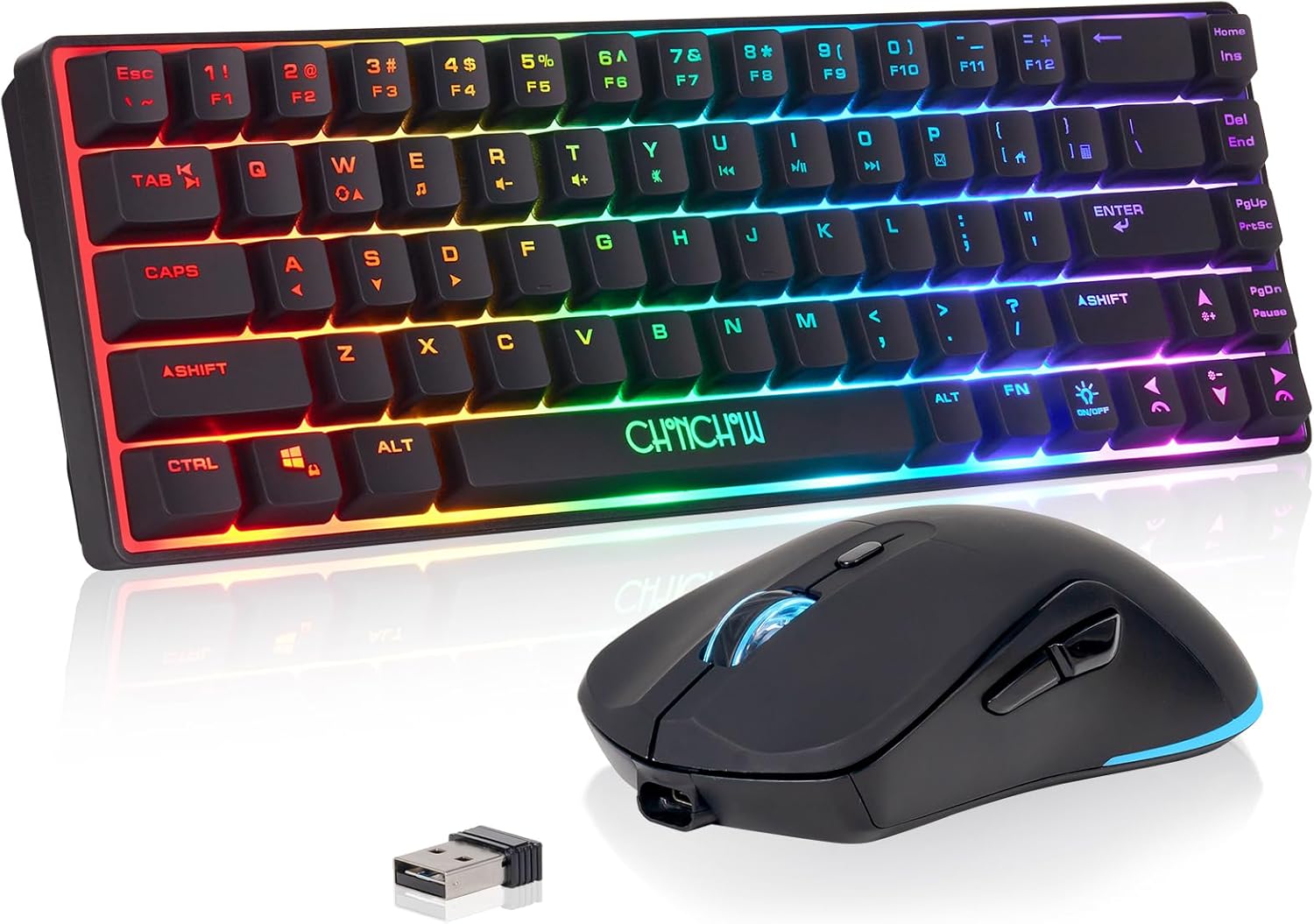
Getting started with the Chonchow Wireless Gaming Keyboard and Mouse is refreshingly simple. You plug in the single USB receiver (cleverly stored in the back of the mouse), and both devices connect almost instantly. For everyday tasks like browsing, typing, and office work, the combo performs admirably. The keyboard’s membrane keys provide a soft, quiet keystroke, which is a stark contrast to the clickiness of mechanical switches but is perfectly suitable for general use. In casual gaming, the wireless connection feels responsive, and we didn’t notice any significant input lag in titles that weren’t competitively demanding.
This bundle is best suited for the entry-level PC gamer, a student building a budget dorm-room setup, or anyone who values a tidy, cord-free desk over top-tier performance. The major trade-off is in the gaming-specific features; the keyboard lacks the tactile feedback of mechanical switches and only offers limited key rollover when wired, which may be a limitation for complex, high-APM games. The mouse is ergonomic and comfortable enough, but it lacks the ultra-precise sensors and customization software of more expensive models. It’s a classic case of getting what you pay for, and in this instance, the Chonchow Wireless Gaming Keyboard and Mouse delivers solid fundamental value. To better understand if the 60% size is right for you, check out this excellent guide to keyboard sizes and their common use cases.
Pros & Cons
Pros
- Affordable price for a combo set
- Single USB receiver for both devices
- Vibrant RGB backlighting effects
- Good battery life for casual use
- Comfortable ergonomic design
Cons
- Build quality feels plasticky
- Not suitable for competitive gaming
What Customers Are Saying
Overall, buyers find the Chonchow wireless keyboard and mouse combo to be a solid value for its price, particularly appealing to casual gamers and those on a budget. Customers frequently praise the compact, space-saving design and the vibrant, adjustable backlighting that enhances their setup. Reviewers also consistently highlight the convenience of having both devices connect via a single USB dongle and appreciate that they are rechargeable. On the other hand, the most common criticism from a minority of users involves occasional wireless connectivity drops that require a manual reset. Some also mention the battery drains more quickly when the lighting effects are at their brightest settings.
The Bottom Line
Ultimately, the Chonchow wireless set is an accessible entry point for casual players or anyone building a gaming rig on a strict budget. Its undeniable strength is the remarkably low price for a complete wireless package, a value that comes with the trade-off of less durable materials and slower response times than premium alternatives. For relaxed, everyday gaming on a dime, this is a sensible purchase, but competitive players should skip it and invest in a more performance-focused setup.
More Product Photos




For broader buying guidance, see independent testing resources such as Consumer Reports.